

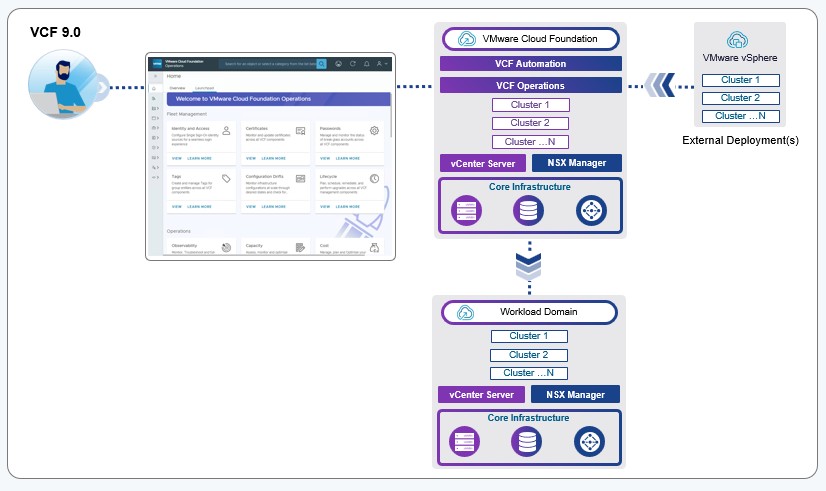
This article will show you how to import a vCenter as a new workload domain in VCF 9
We can import a vSphere 8 environment with an existing NSX instance since the version VCF 9.0.1.0
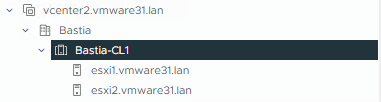
I chose to deploy the vCenter server with 2 hosts in this version.
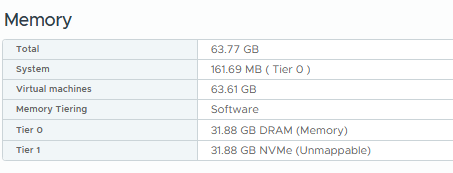
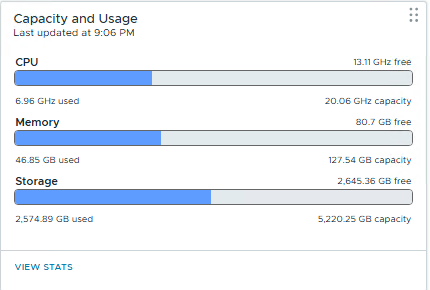
I improved the memory with the feature memory tiering. I increased the size of the cluster from 64Gb to 128Gb.
Now i’m going to add this new vCenter as a workload domain.
During this operation i will deploy a new NSX instance.
Let’s go to see all the steps
We start the process in VCF Operations

From Add a new Workload Domain we select Import a vCenter
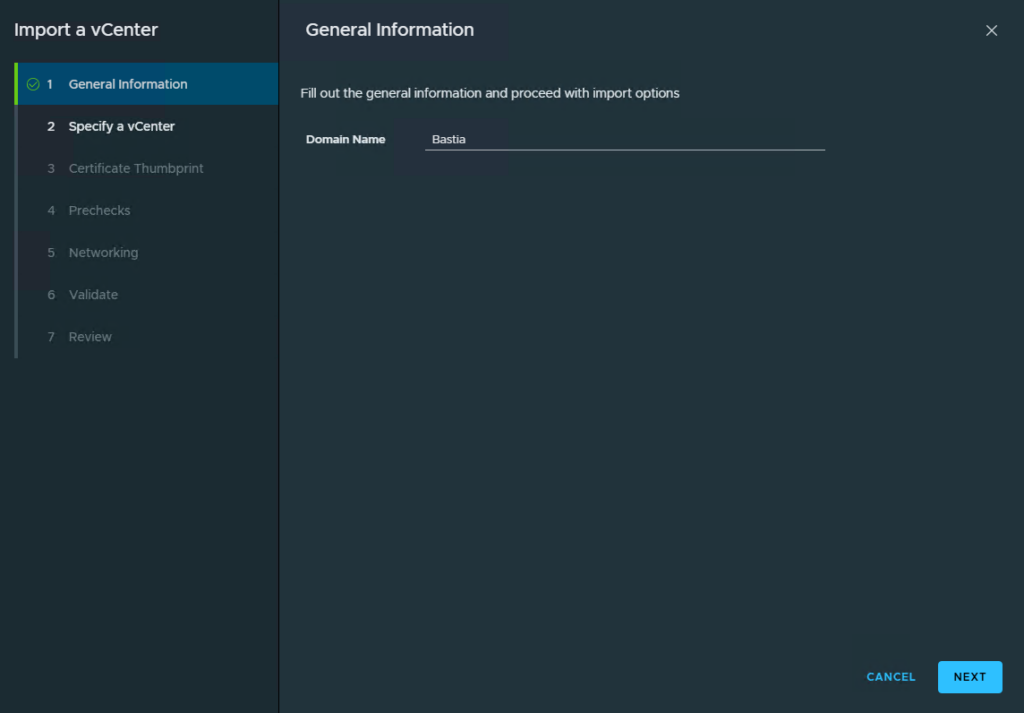
VCDLAB
In the second step we can choose a vCenter available in the inventory of the Management domain or add an external vCenter.This is my case so i chose the second option. We can also add the details of an existing NSX instance attach to this vCenter. As said above i’m deploying a new NSX instance
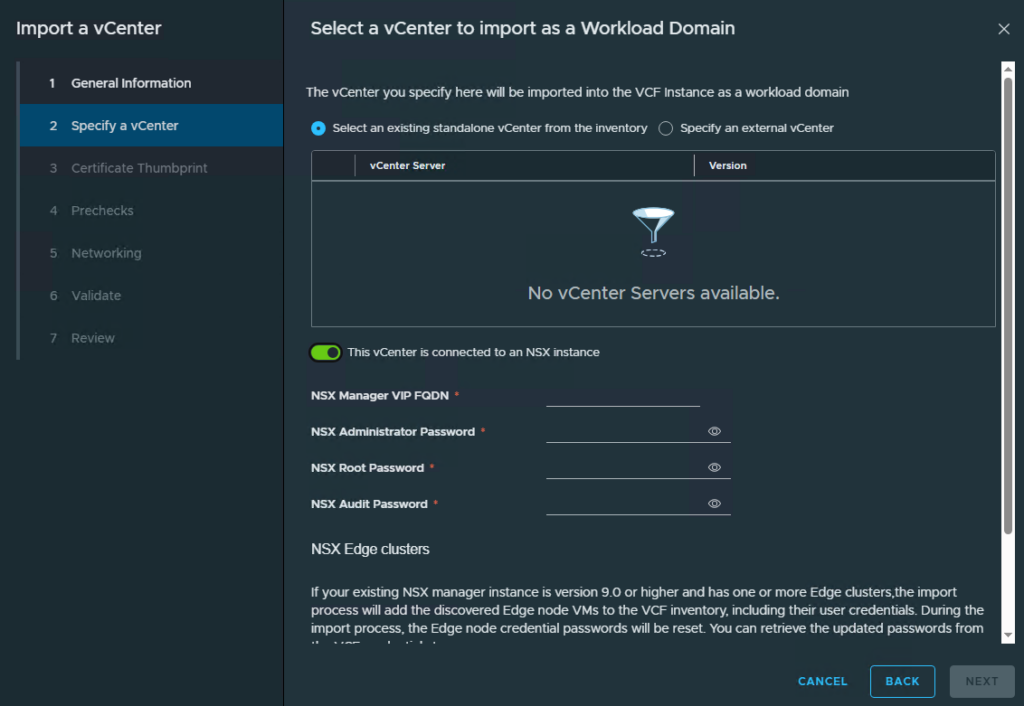
VCDLAB
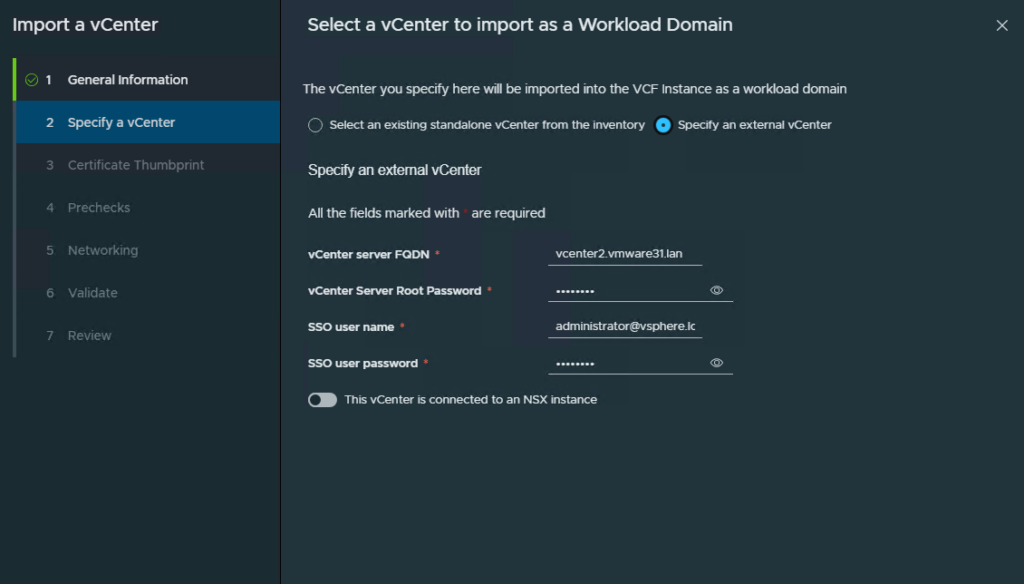
VCDLAB
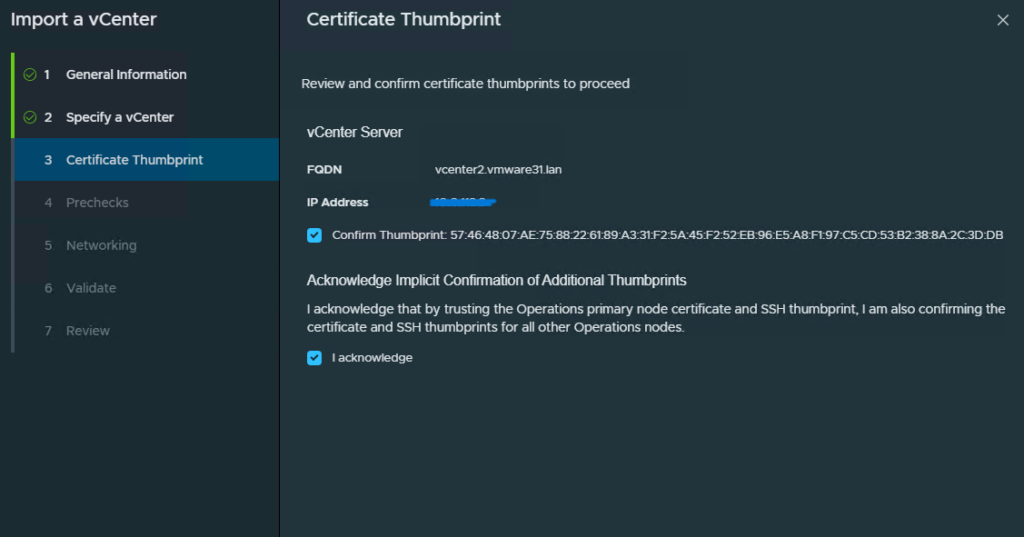
VCDLAB
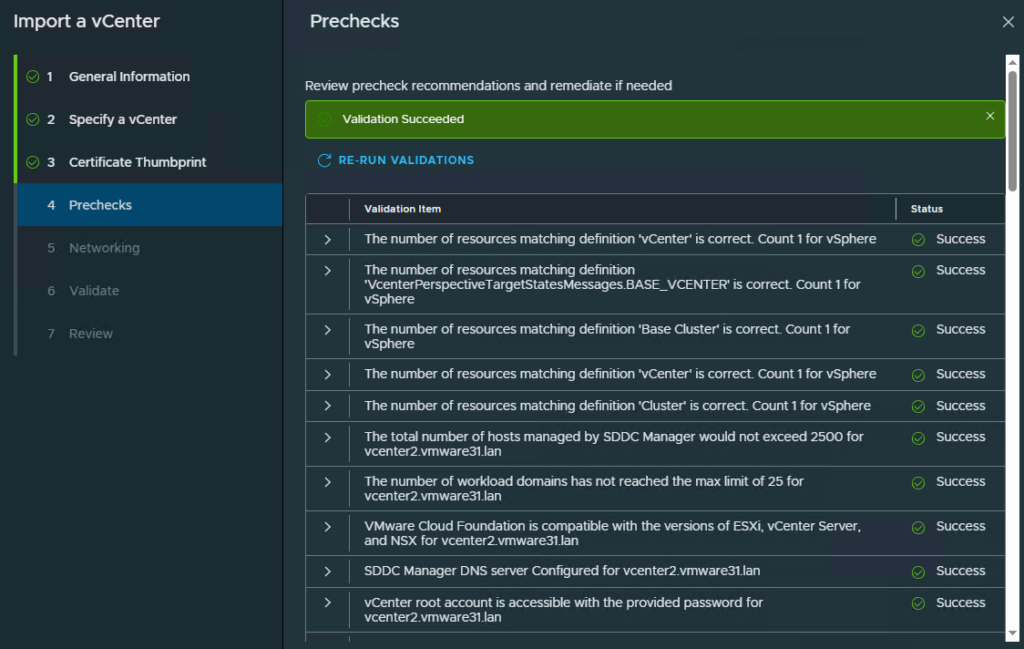
VCDLAB
There are 70 prechecks about “no standard switches” or “lookup service” for example
Then i deployed a single NSX Manager appliance as i don’t have enough resources for a NSX Management cluster. I chose to configure the overlay using the Esx Management VMKernel Networking. We can also select the Auto Generate Passwords.
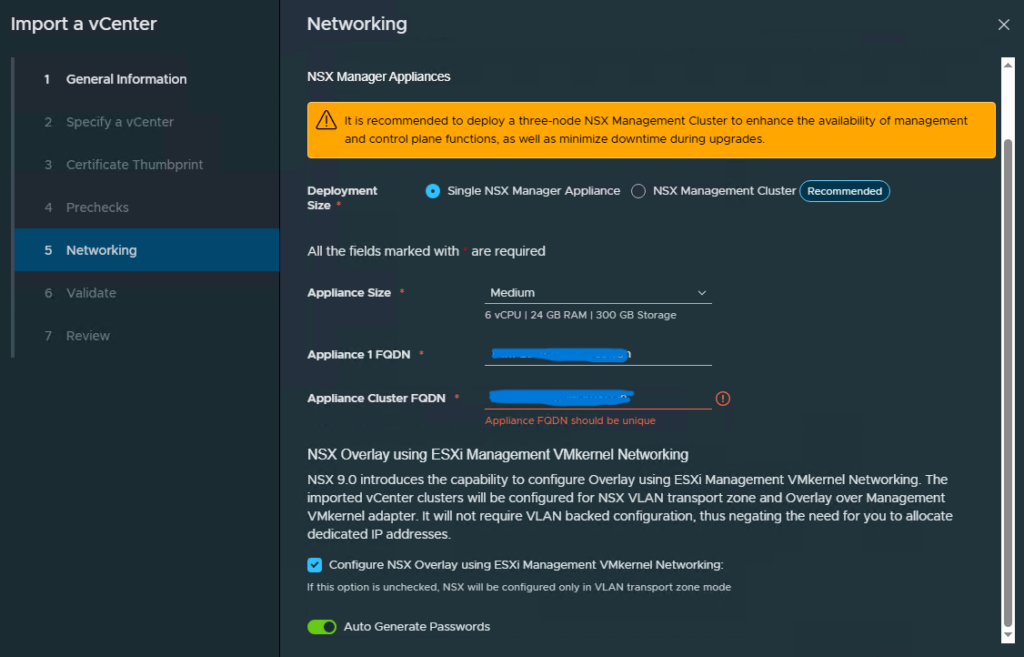
VCDLAB
Again a validation section with 74 prechecks
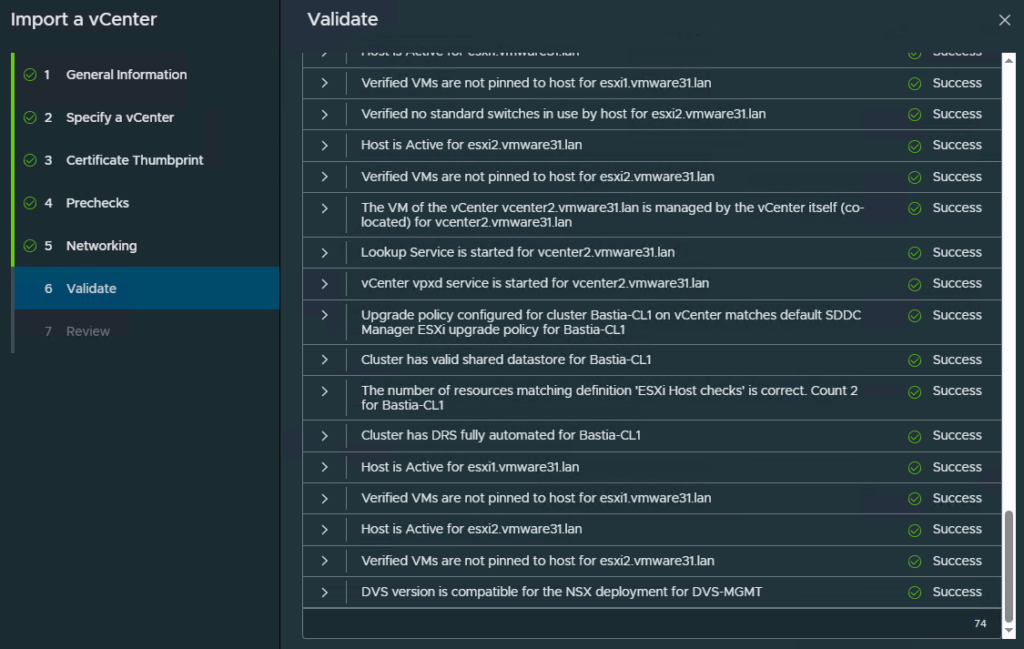
VCDLAB
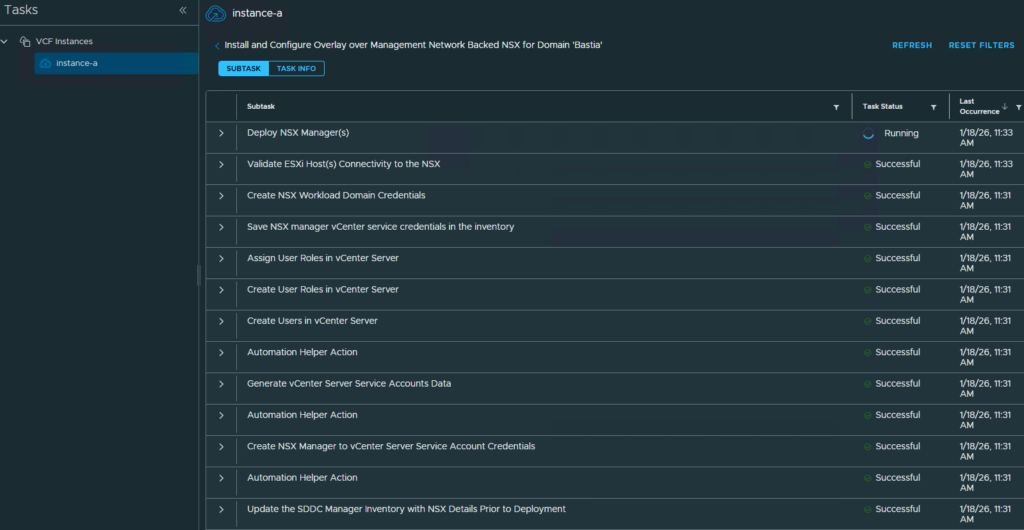
We can see in the tasks the deployment of the workload domain
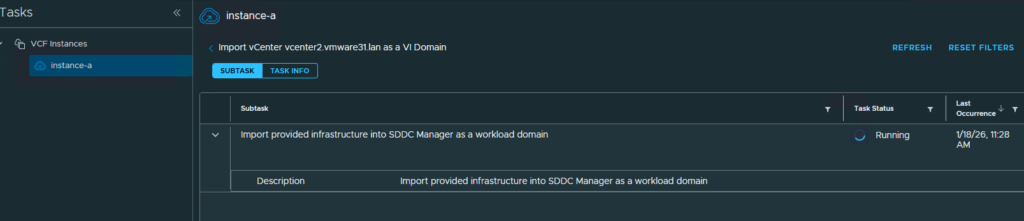
VCDLAB
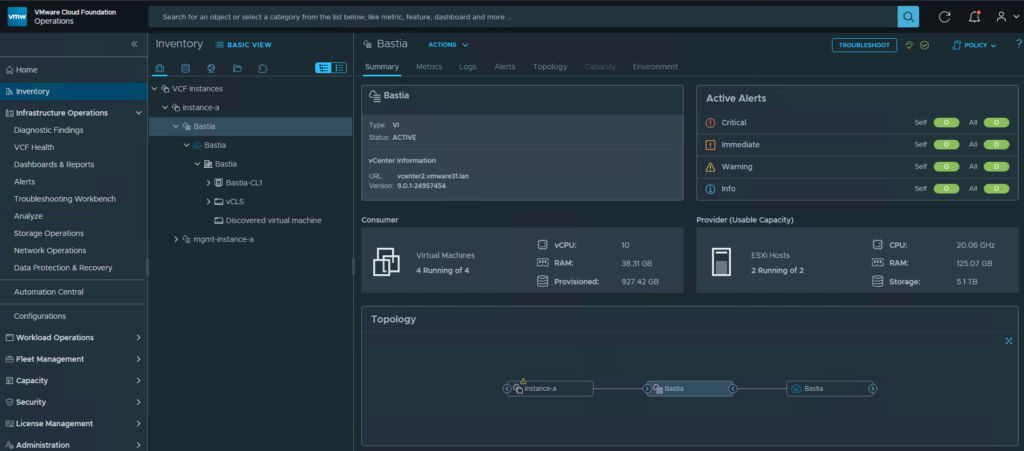
After some time the vCenter has been added to the VCF Instance as a new workload domain.
VCDLAB
I hope you found this article informative 🙂